Frame
Every screen, perfectly framed.
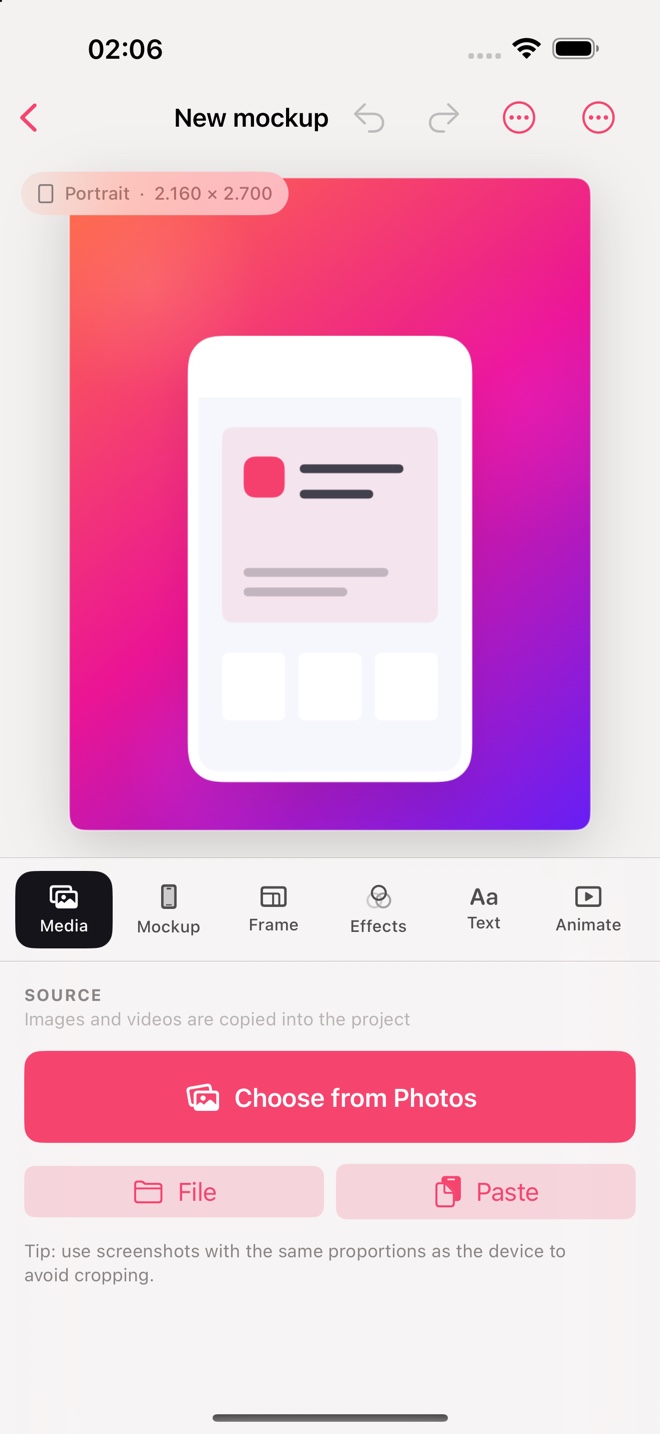
Choose from 15 original silhouettes for iOS, Android, foldables, tablets, watches, browsers, and desktop displays. Fine-tune the finish and shadow, then recenter your mockup in one tap.
 MockApp
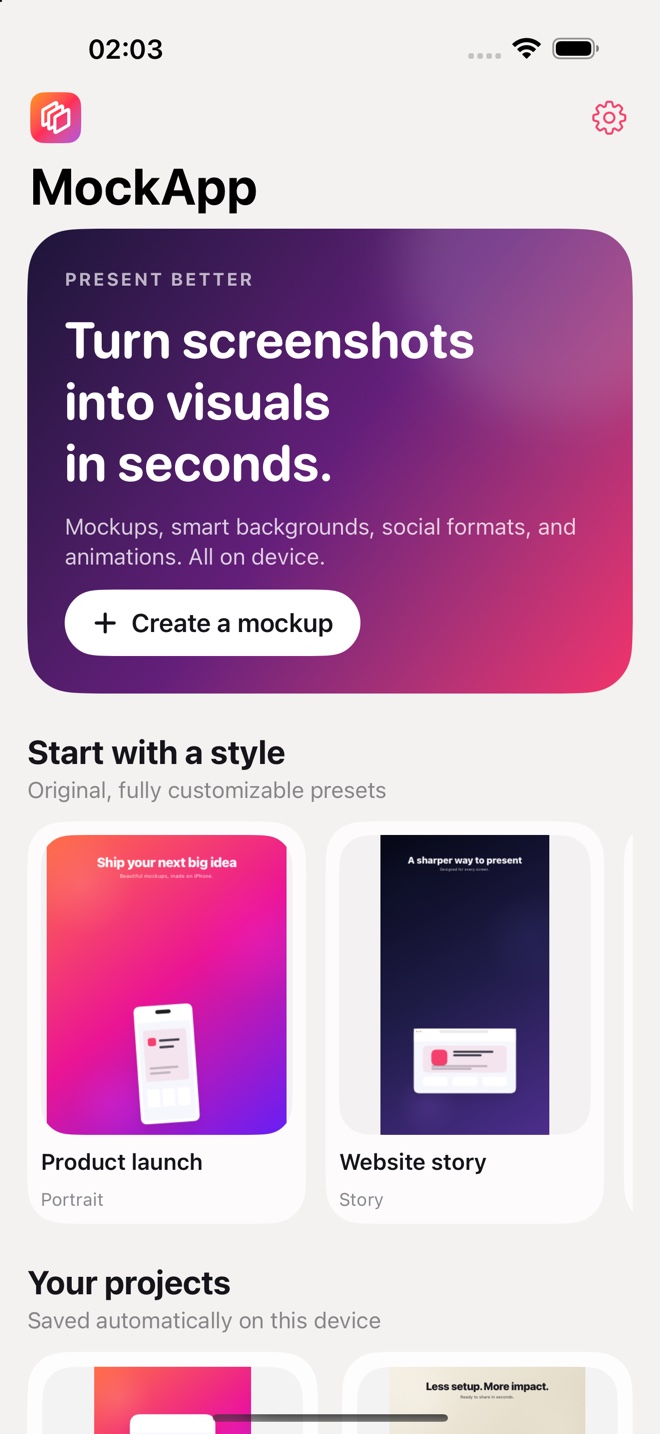
Mockups, intelligent backgrounds, multi-screen layouts, and animation. Everything happens on your device—no account, no hassle.
The finishing touch
MockApp does not try to replace your design tool. It takes what you have already created and turns it into a presentation that is ready to publish.
Three steps
From source media to final visual, with nothing getting in your way.
Choose screenshots, images, or videos from Photos and Files, or paste straight from the clipboard.
Add a frame, background, text, and effects. Combine up to three screens in a single layout.
Preview and final export use the same renderer, so every PNG, JPEG, and MP4 stays true to what you see.
Multi-screen
Single, Duo, Trio, or Stack. Bring together flows, comparisons, and product screens while keeping a consistent look.
Inside MockApp
Focused tools for polishing and publishing—not another all-purpose editor to learn.
Frame
Choose from 15 original silhouettes for iOS, Android, foldables, tablets, watches, browsers, and desktop displays. Fine-tune the finish and shadow, then recenter your mockup in one tap.
Magic Palette
Use a solid color, extract colors from your media, or turn the first screen into a blurred background with a precise intensity slider. Everything stays on-device.
Motion
Float, Zoom, Orbit, and Parallax turn screenshots and videos into smooth MP4 loops, ready for social posts and presentations.
Output
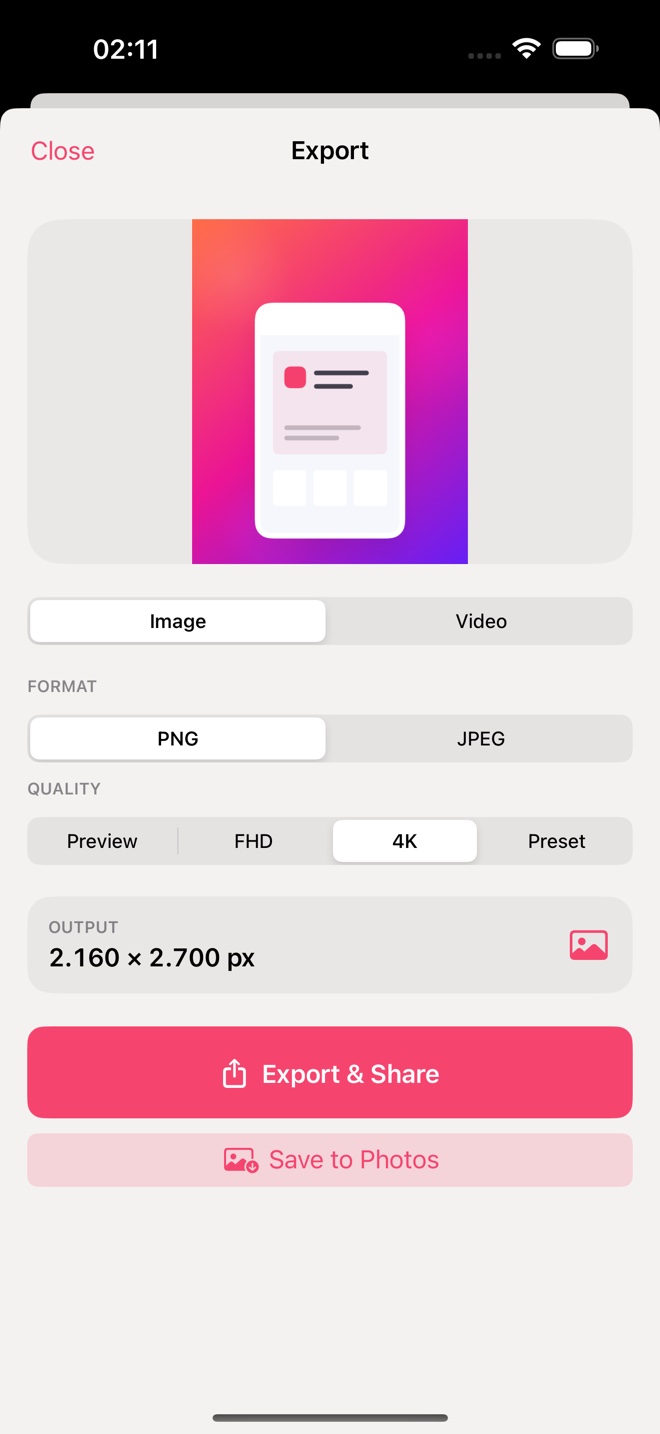
Social, video, custom sizes, and current App Store screenshot formats. Export as PNG, JPEG, or MP4 without rebuilding your layout.
On every screen
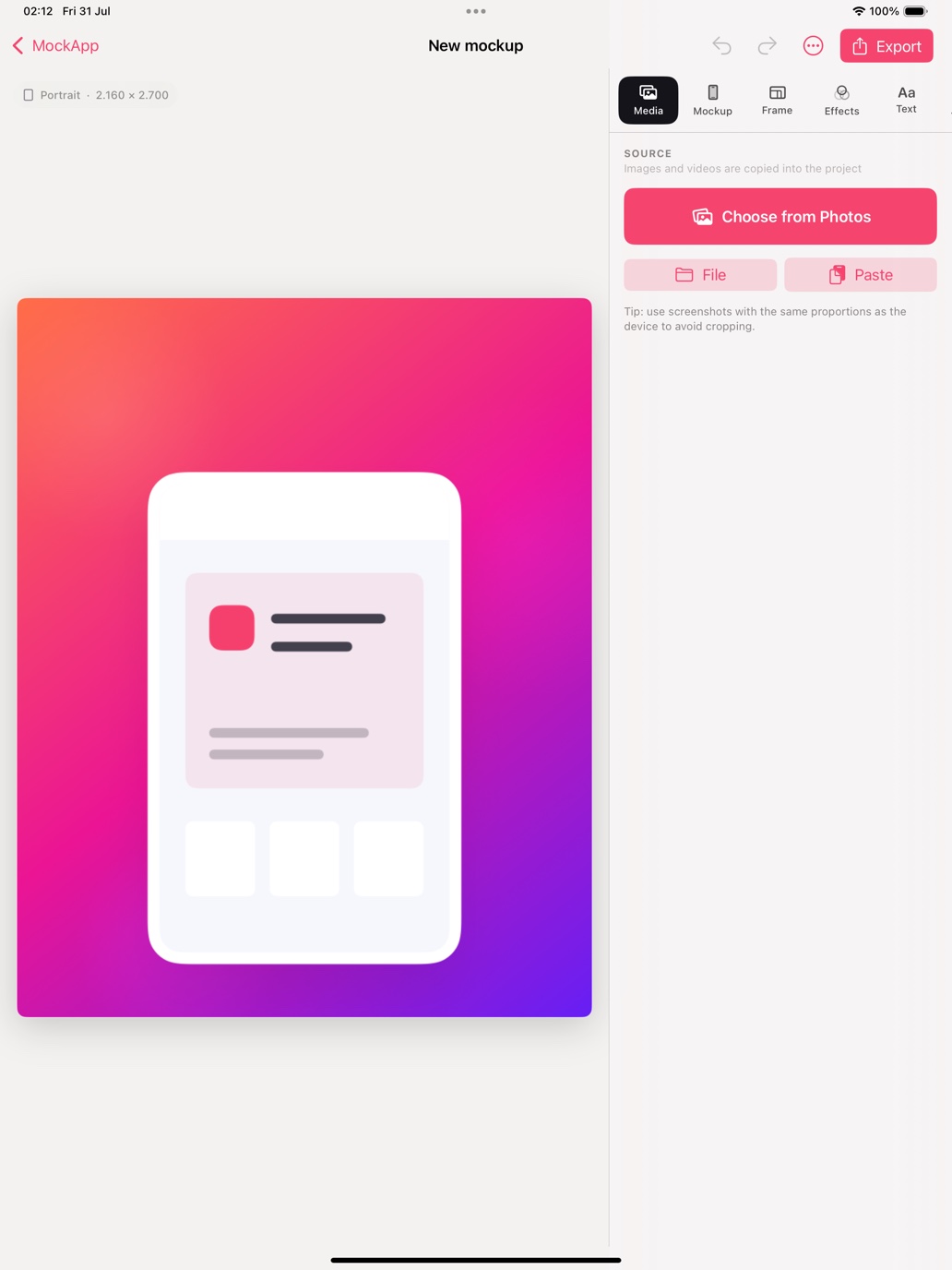
On iPad, canvas and controls work side by side. On iPhone, the editor stays fast and easy to use with one hand.
Private by design
Projects, palettes, and renders are processed on your device. MockApp requires no account and includes no ads, analytics, or tracking.
Frequently asked questions
No. MockApp works without registration and stores your projects locally on your device.
Yes. You can import a video into the first slot, place it in your mockup, and export an animated MP4 loop.
PNG and JPEG for images, plus H.264 MP4 at 30 fps for animations. Social and App Store presets are included.
In MockApp's private storage on your device. Version 1.0 has no cloud backend.
Coming soon
MockApp is getting ready for the App Store on iPhone and iPad.


